Create a League
Tap "Community" on the Ranking screen, pick a name, and you're set.
Community Feature
Share an invite code and your group leaderboard goes live. See who leads in points, accuracy, and study streaks.
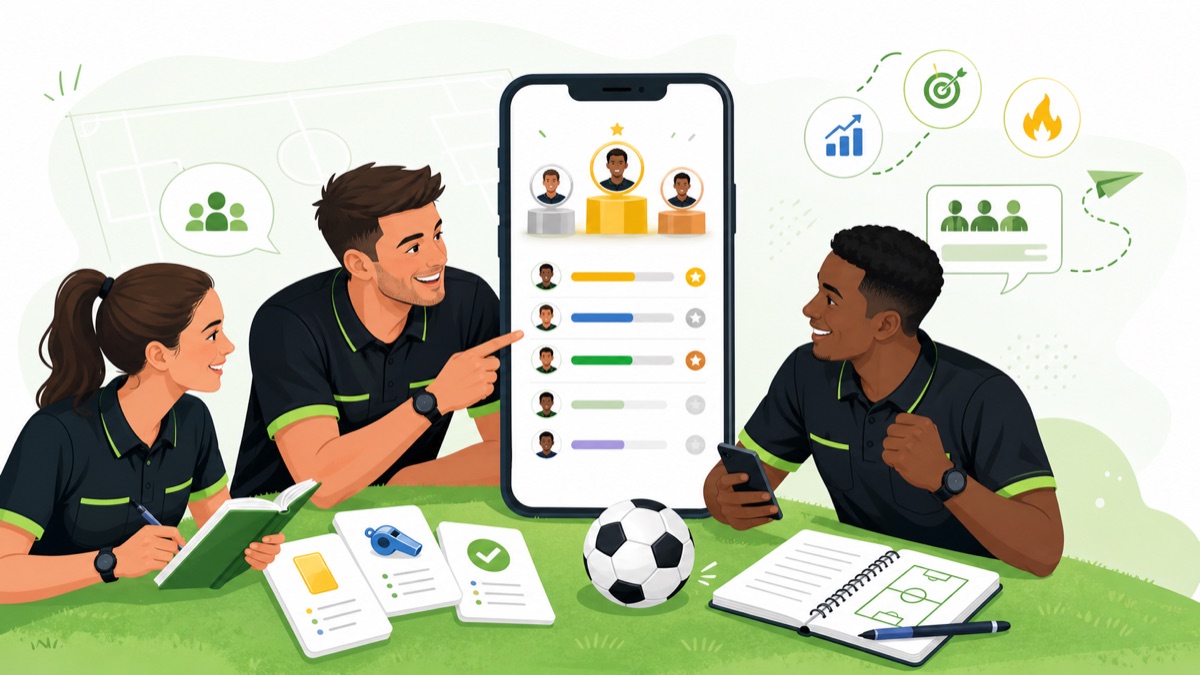
Create a league, share the code — done.
Tap "Community" on the Ranking screen, pick a name, and you're set.
A code is generated automatically — just text it to your group.
Monthly points, accuracy rate, study streaks — see who's on top at a glance.
From league setup to leaderboard — the full walkthrough in 90 seconds.
Studying alone is hard to keep up. With your crew, it sticks.
After a training session or a match assignment, "How far did you get this month?" becomes part of the conversation.
When players, coaches, and parents all study the same Laws, everyone starts seeing decisions the same way.
Everyone can see each other's accuracy and study streaks — no room to slack off. Perfect for that final push.
Open the app, tap "Community" on the Ranking screen, and go.